Know the moment your recommendation is read and acted on.
Write crop recommendations from the field or the web, with the products, rates, timing, mixing instructions, and application details your growers and applicators need. Send them right away, and with QA Farmer, know when they’ve been viewed and acted on.
Choose products, rates, timing, mixing instructions, application notes, and priority. Write recommendations from QA Advisor on the web or mobile, then easily find previous recommendations when you need to look back.
Flexibility
One field or twenty, you’re in control. Write one recommendation across multiple fields, adjust rates for individual fields, and add field-specific instructions where needed.
Build Your Product List Once. Reuse It All Season.
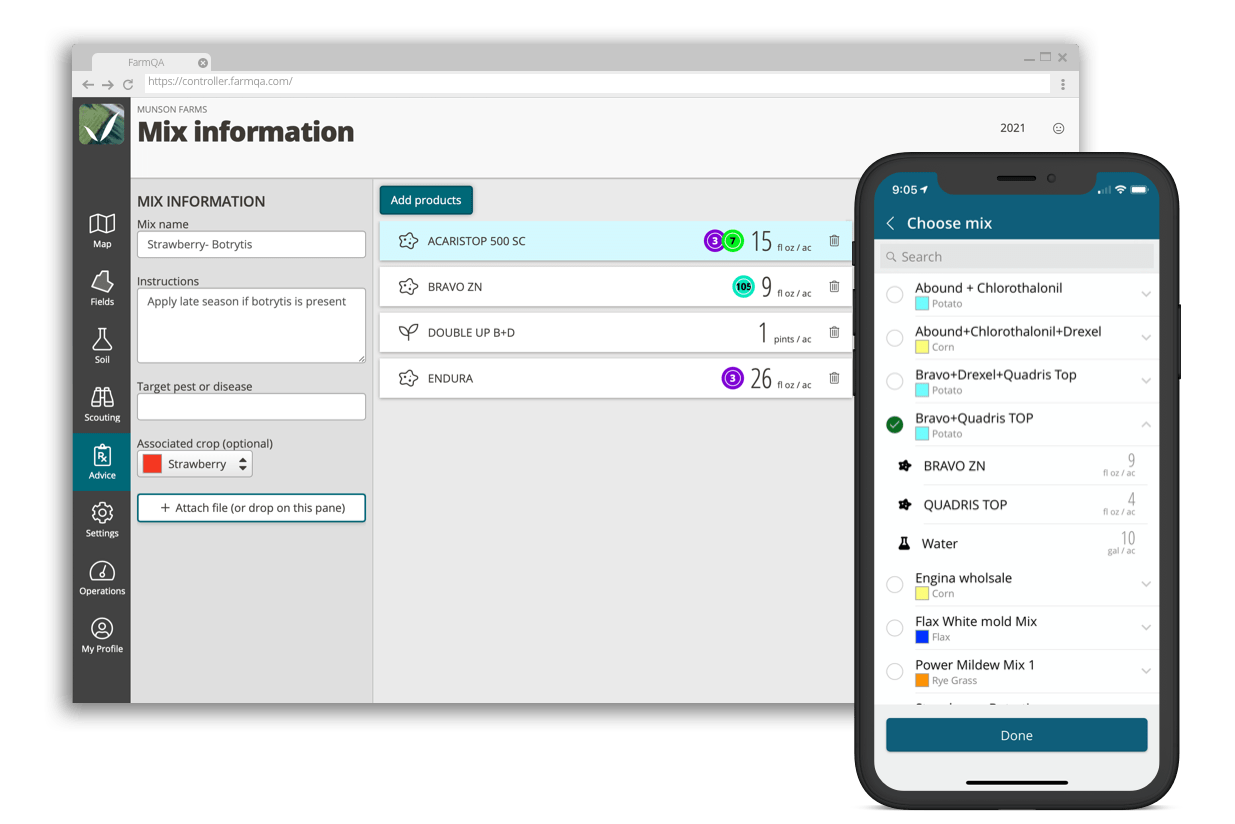
Create the product list your team recommends, import products from Excel, or find products through the EPA registry. Save commonly used tank mixes with products, rates, mixing order, and instructions, so you don’t have to rebuild the same recommendation every time.
Define pest and treatment targets for each product and search those targets when writing a recommendation.
Rainfast, REI & PHI
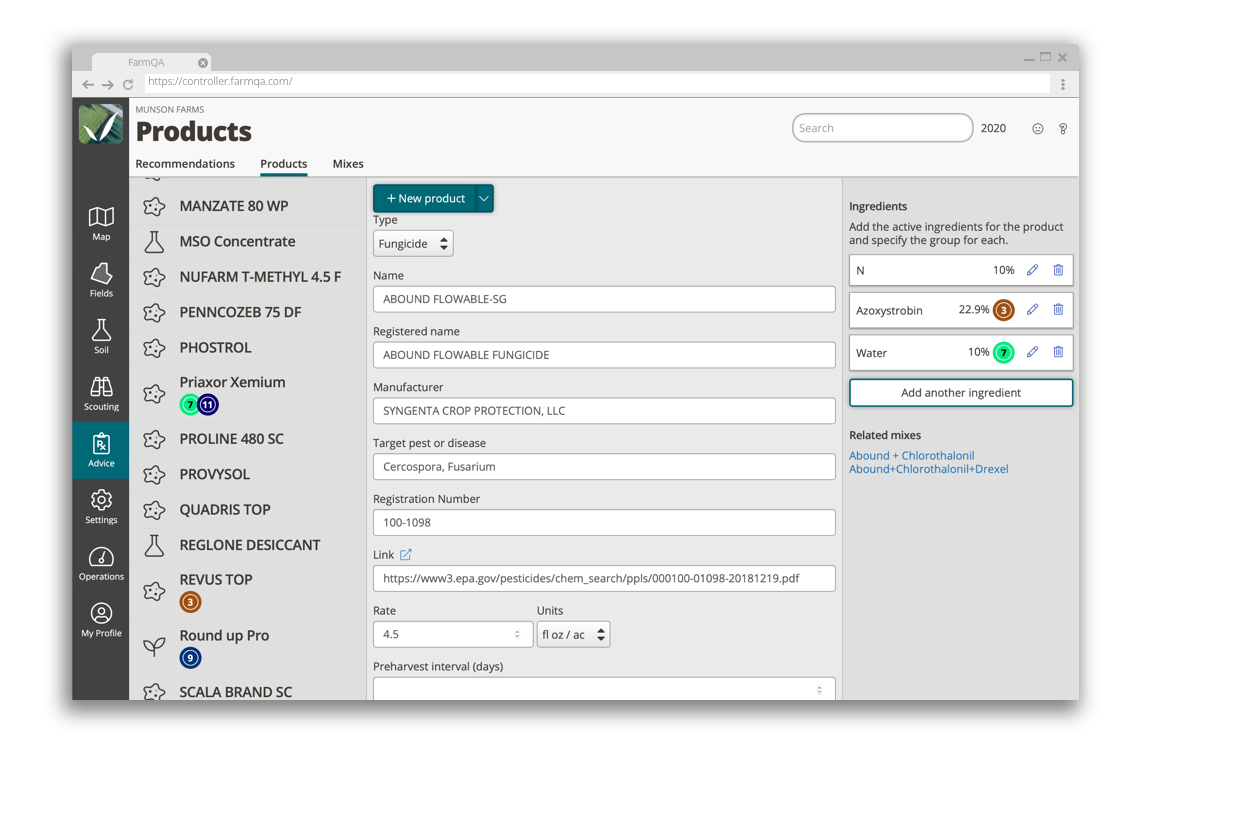
Keep important application details with the product. Track mode of action groups, rainfast intervals, restricted-entry intervals (REI), pre-harvest intervals (PHI), and product labels, so the information your team needs is available when recommendations are written.
Go from Scouting to Recommendation
What you find in the field shouldn’t get disconnected from what you recommend next. Link scouting reports and recommendations in QA Advisor so the field observations behind your advice stay connected to the recommendation. When it’s time to share, you can include the scouting report and related recommendation together in one professional PDF.
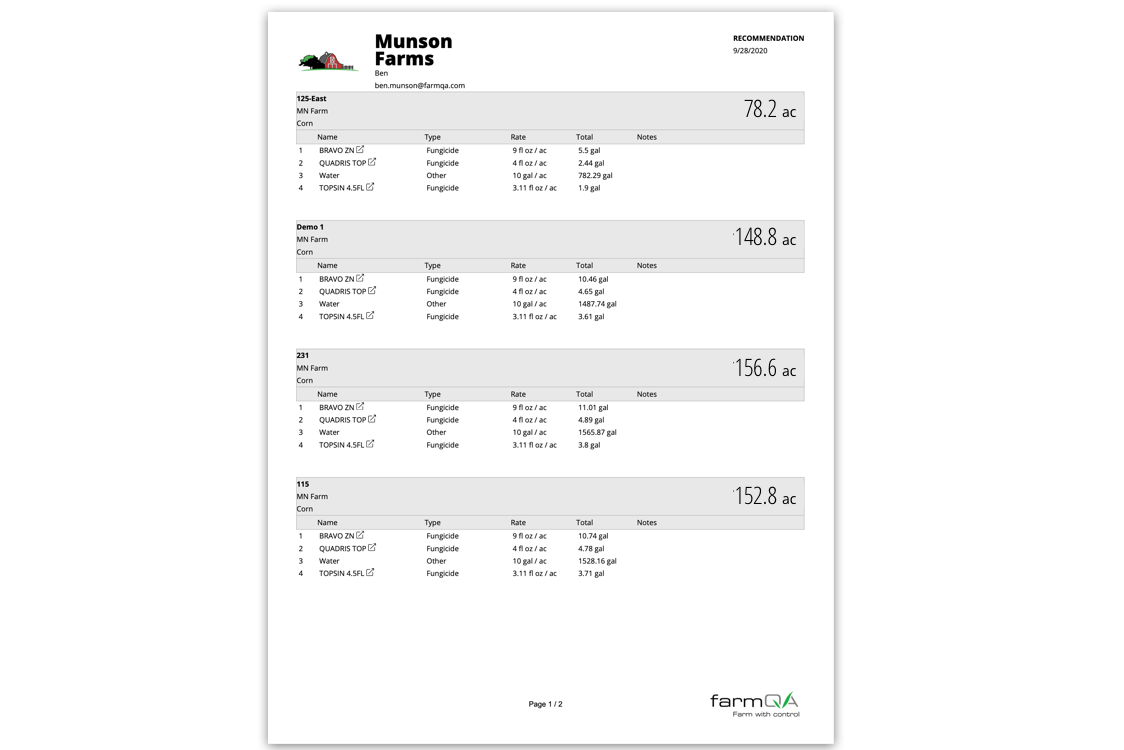
Send professional recommendation reports by text or email as a PDF, with products, rates, mixing order, instructions, and totals based on field acreage. Group multiple fields into a single report when it makes sense for the grower or applicator.
And Know What Happens After You Send It
Send recommendations through QA Farmer and your grower gets an alert when something needs their attention. Back in QA Advisor, you can see when the recommendation has been viewed and whether the recommended action has been completed.
Tasks: Turn the Recommendation into Action
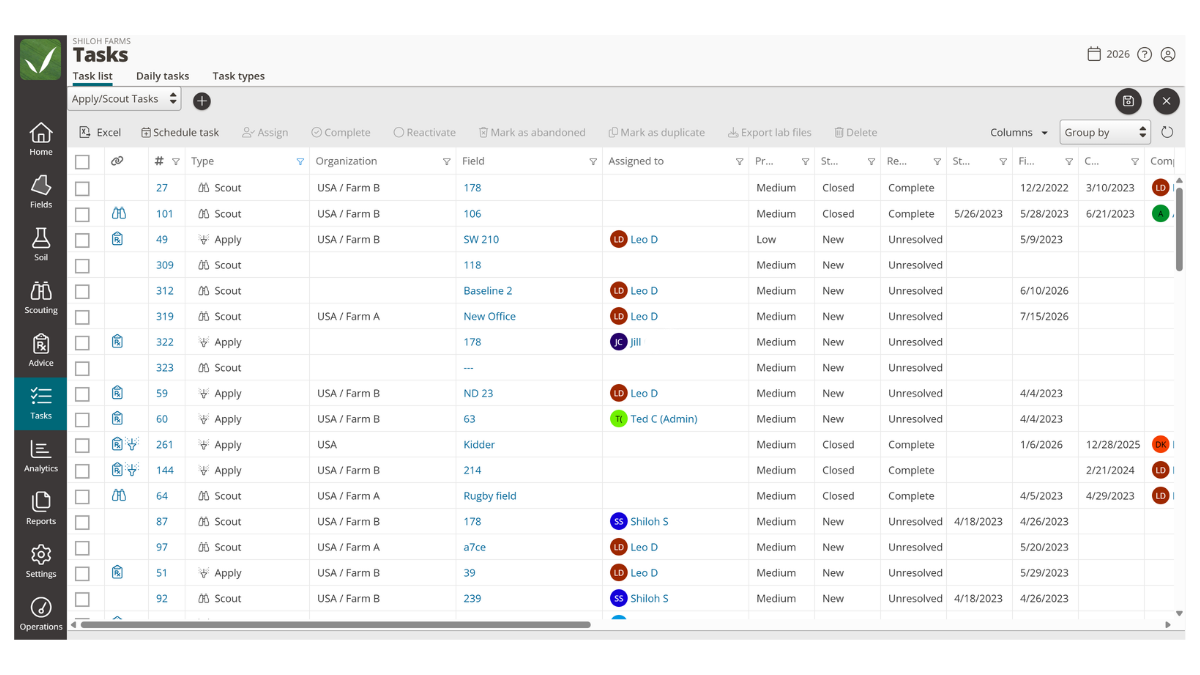
A recommendation is only useful when the work gets done. With the Tasks add-on, you can turn a recommendation into an assigned task with the field, products, rates, instructions, and due date your operator needs. They can complete the work from the QA Advisor mobile app, capturing the application details as the job is done.
The workflow stays connected from recommendation to application, with a record of what actually happened in the field.
Explore Tasks
Need to manage application records and compliance across your operation?